01How it works
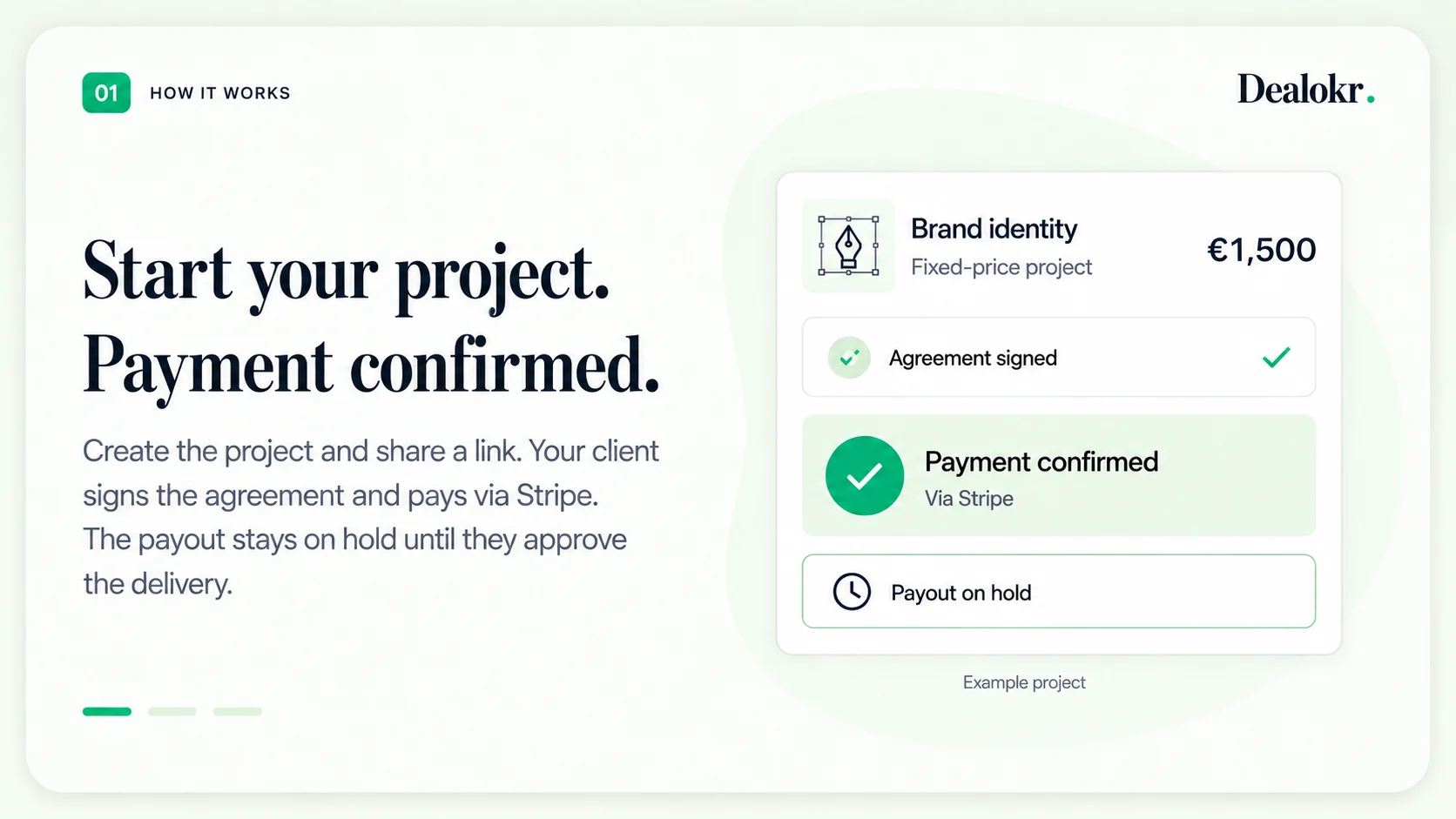
Start your project. Payment confirmed.
Create the project and share a link. Your client signs the agreement and pays via Stripe. The payout stays on hold until they approve the delivery.
Dealokr gives freelancers one client-ready flow for signed terms, Stripe payment status, preview delivery, validation, and final-file release.
How it works
Clear terms, payment before work starts, and a delivery you approve together.
01How it works
Create the project and share a link. Your client signs the agreement and pays via Stripe. The payout stays on hold until they approve the delivery.
02How it works
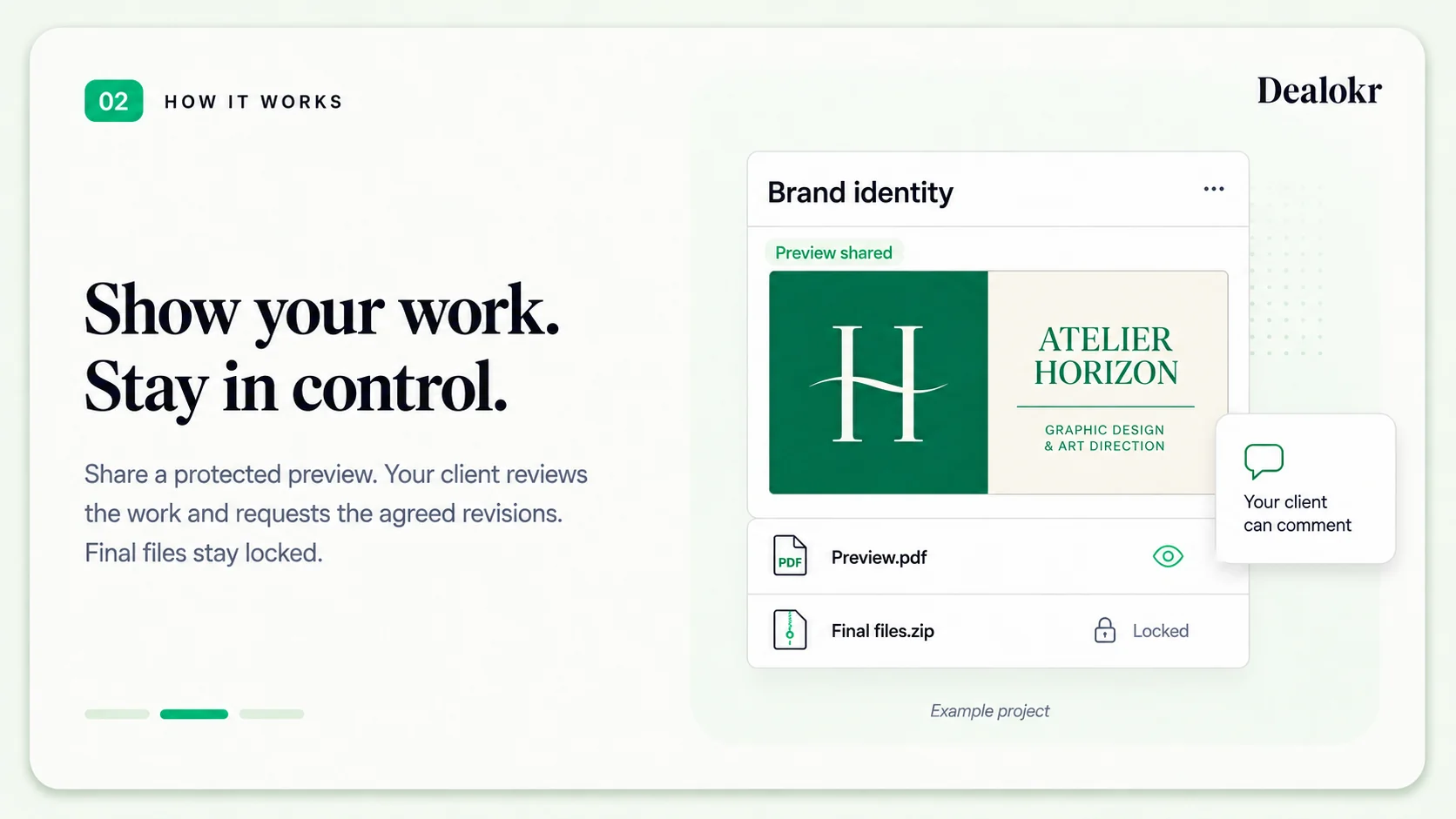
Share a protected preview. Your client reviews the work and requests the agreed revisions. Final files stay locked.
03How it works
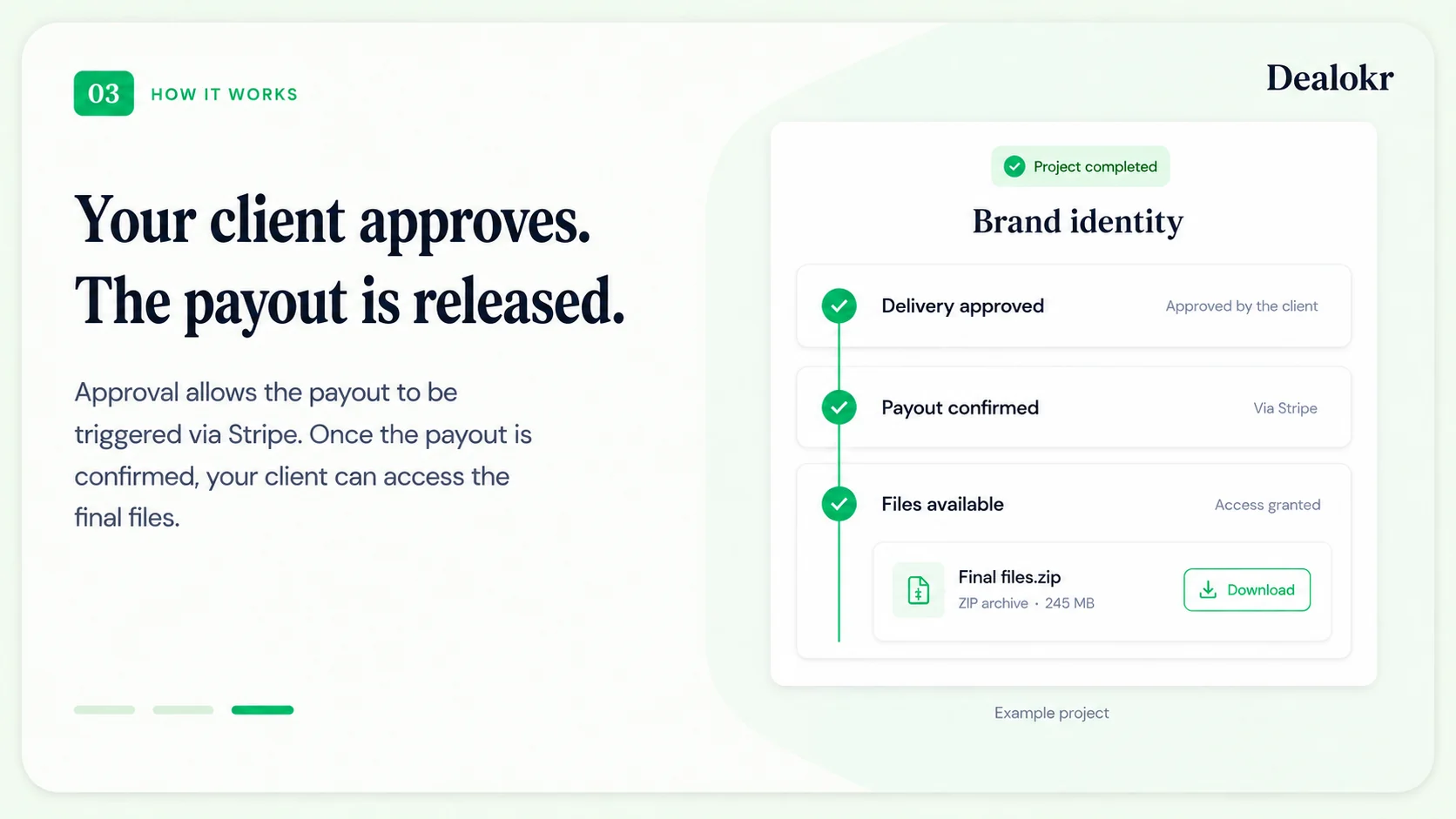
Approval allows the payout to be triggered via Stripe. Once the payout is confirmed, your client can access the final files.
Your client reviews the terms, signs, pays through Stripe, inspects the preview, and validates the work from the same guided portal. It feels like a professional handoff, not another platform to explain.
Your client enters the project from a single Dealokr invitation.
They see the scope, price, deadline, deliverables, and validation rules.
They pay through Stripe without creating a marketplace account.
They inspect the preview, request changes, or validate when the work is ready.

Secure client deal
Amount
EUR 1,800
Deadline
June 28
Status
Payment handled by Stripe
Client steps
Preview delivery
Preview available
Final files release after validation
Client reassurance
The client sees the same agreement, payment state, preview, and validation path in one calm workspace.
Dealokr frames payment as part of the project process. The client sees what to review, how to sign, where Stripe handles payment, and how preview validation will work.
A simple way to introduce the link
Freelancer
I use Dealokr so the agreement, payment status, preview, and validation stay in one place.
Client
So I sign, pay, and review the preview from this link?
Freelancer
Exactly. No marketplace account. You just follow the project steps.
Feels standard
Present it as your normal client process, not a special warning.
Less client friction
They open one secure link and follow the steps from there.
One obvious next step
Review, sign, pay through Stripe, then validate the preview.
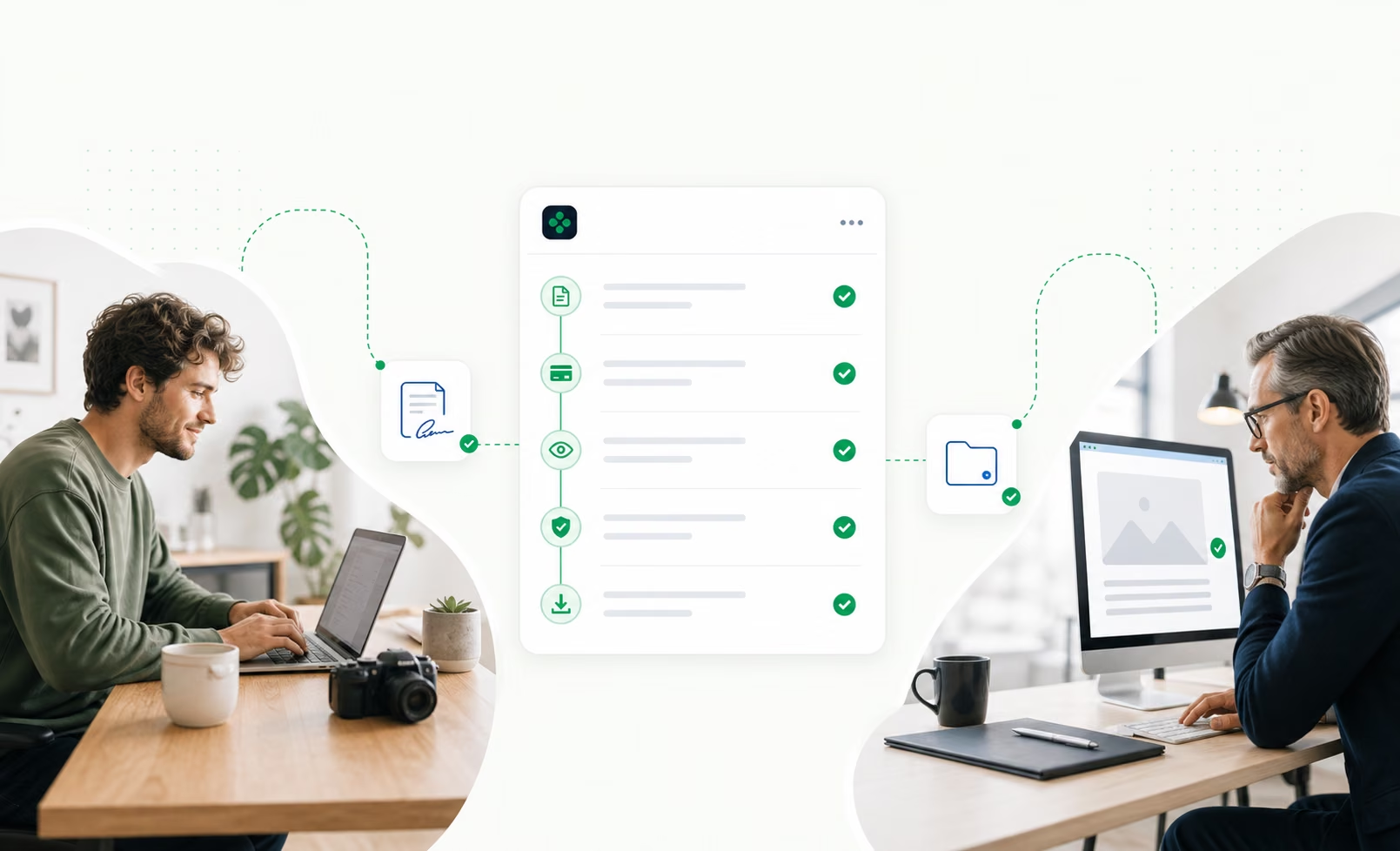
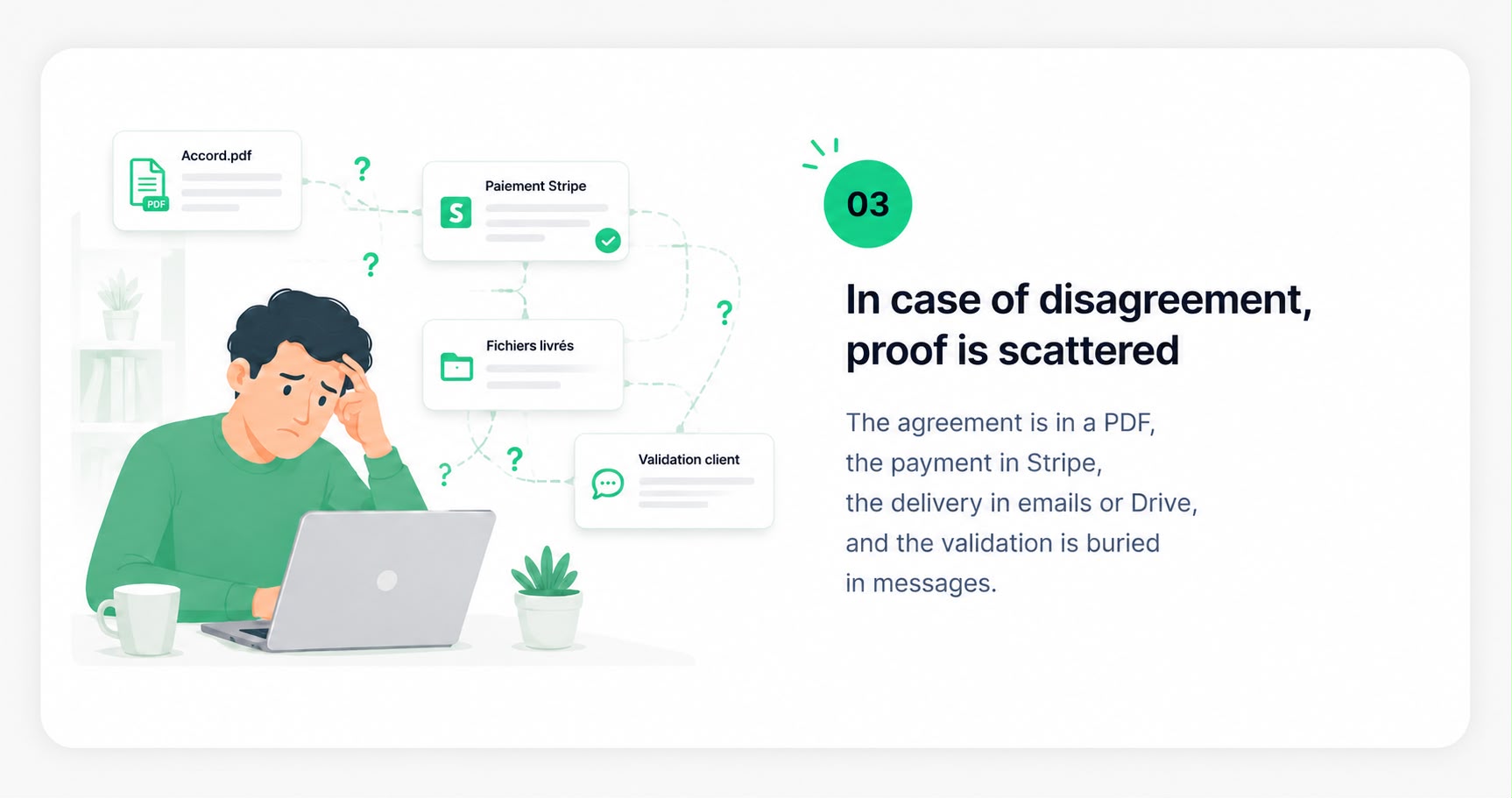
Without Dealokr, the agreement, payment state, delivery, and validation drift into separate places. With Dealokr, the whole flow stays attached to one record both sides can follow.


I use Dealokr for new projects so we both have the agreement, Stripe payment status, preview delivery, and validation in one place. You can review the terms, sign, pay, and approve the preview before final files are released.
New client
For this project I use Dealokr as my standard client flow. You will receive one secure link to review the terms, sign, pay through Stripe, and later validate the preview before final files are released.
Repeat client
I am moving new projects through Dealokr so the agreement, payment status, delivery preview, and validation stay in one clean record. It keeps the handoff simple for both of us.
Dealokr gives clients a clean preview experience while production files stay gated until validation or an approved release state.
Contract versions, signature states, payment state, delivery access, validation, and important notes stay inside the same commercial record.
Agreement signed
Terms became the reference before the client reviewed the project.
Client opened secure link
The invitation event was attached to the same deal record.
Payment state visible
Provider payment status was clear before work moved forward.
Preview delivery uploaded
The client reviewed the work before production files were released.
Validation pending
The release decision stayed inside the deal room.
The payment and client-side friction freelancers still face before a deal can move forward.
53%
Of surveyed French freelancers cite getting paid quickly as a daily challenge.
57%
Of surveyed French freelancers cite negotiating with clients as a daily challenge.
31%
Of surveyed UK freelancers had completed work without being paid.
Sources: BCG × Malt · IPSE
Junior keeps the first step low-risk. Pro removes Dealokr commission while checkout service and payment-provider fees stay visible before payment.
Early access offer
Use the full workflow while you test Dealokr with real clients. Checkout service and payment-provider fees stay visible before payment.
5% commission
Run your first client deal flow without paying a monthly subscription.
0% Dealokr commission
For freelancers who want Dealokr as their standard client flow: unlimited deals, no Dealokr commission, and cleaner records.
Pricing tailored to your needs
For agencies, studios and teams with specific needs. Let's build an offer around the way you work.
Monthly savings with Dealokr Pro vs the average of the 3 platforms.
Free until your first deal · No client account required
You create a deal: describe the mission, set the price, define the deliverables, and choose the validation rules. Dealokr generates the agreement and gives you one secure link to send.
Your client opens the link, reviews the terms, signs, and pays through Stripe. The payment state appears in the shared record before work moves forward.
When the work is ready, you deliver a preview first. The client validates or requests changes, then final files become available after validation or an approved release state.
If questions come up later, the agreement, payment state, delivery activity, and validation events are already in the proof timeline.
No. You send one secure link. They review the deal, sign, pay through Stripe, and later validate the preview without managing a marketplace account.
Most clients just need to understand why the link exists. Present Dealokr as your standard project process: it keeps the terms, payment status, preview, and validation clear for both sides.
The deal stays in validation pending with a record of preview access, delivery notes, requests, and activity. You are not trying to reconstruct the story from scattered messages.
The proof timeline documents each step: signed terms, payment state, file access, delivery notes, and validation. Dealokr does not replace legal or payment-provider processes, but it gives you a clearer record to work from.
A PDF contract proves what was agreed. Dealokr also records what happened after that: signature, payment state, delivery, access, revision requests, and validation.
Yes. Small projects are often the ones freelancers leave informal, which makes them easier to misunderstand. A 200 EUR mission still deserves clear terms, visible payment status, and a clean delivery record.
Junior has no monthly subscription and includes a 5% Dealokr commission per deal, with a 1 EUR minimum. Pro is 29 EUR/month and removes Dealokr commission while active. A visible client checkout fee may still apply so service and payment-provider costs are shown before payment.
Files uploaded through protected delivery stay behind the deal access flow. Preview files can be reviewed first, while final-file access stays gated until the deal reaches validation or an approved release state.