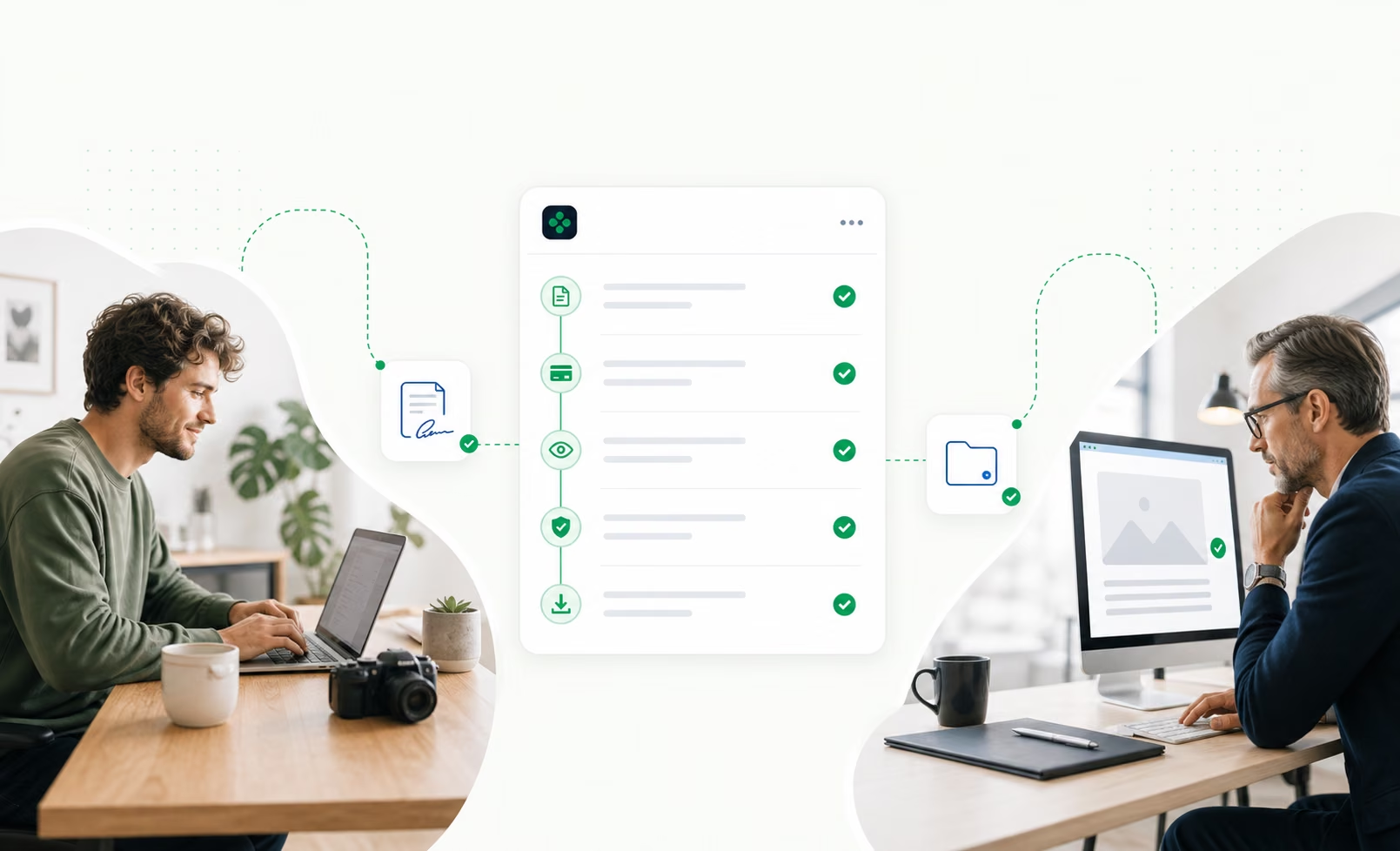
Getpaidbeforeyoustartworking
You’ve delivered. You’re still waiting to get paid.

You work.

You deliver.

You chase payment.
The solution: the client pays upfront. Funds pending through Stripe Connect.
 Project paymentConfirmed
Paid by the client
100%
of the project total
Transfer pending reviewThe client pays.
They pay 100% of the project before you start.
 You can startPreview ready for the clientFinal files locked
You create.
You share a preview. Your final files stay protected.
- Project approvalThe client approved the previewDelivery approvedYour paymentTransfer confirmedTheir final filesAccess unlocked
The client approves.
You trigger the transfer. Once confirmed, they receive the final files.
WHAT ABOUT YOUR CLIENT?
Their project. One secure link.
No account to create.
Dealokr helps protect fixed-price freelance projects: the client pays 100% before work starts, funds remain pending through Stripe Connect, and final files are released through the approval and transfer-confirmation workflow.
Dealokr.Your delivery is ready.
Review the preview, then share your feedback.
They review the work.
Then authorize the payment.
Interactive preview
BEFORE / AFTER
Everything changes
when payment
comes first.
Start with the money secured.
Keep control of your files.
Visual identity
A project protected with DealokrPayment secured before the work starts
€1,500
100% paid · Pending through Stripe Connect
Project agreement
A signed agreement.
Price, deliverables and revisions agreed from the start.
Preview shared with your client
Final files protected.
Access follows release and transfer confirmation.
Conversation
A single conversation.
Messages, previews and revision requests in the project.
Project approval
They approve. You trigger the transfer.
Once confirmed, they receive final files. Bank arrival follows Stripe’s payout schedule.
Project history
A saved project history.
Signatures, messages and approvals kept with the deal.
YOUR DEAL’S HISTORY
Every step leaves
a record.
Dated. Saved. Kept with your project.
Visual identity — Atelier Horizon
Project historyEvent 04 / 05
Preview opened.
The client’s access to the preview is recorded in the project.
Start with one deal. Upgrade when Dealokr becomes your default.
Junior keeps the first step low-risk. Pro removes Dealokr commission while checkout service and payment-provider fees stay visible before payment.
Early access offer
Get Pro free for your first 2 weeks.
Use the full workflow while you test Dealokr with real clients. Checkout service and payment-provider fees stay visible before payment.
Junior
5% commission
Run your first client deal flow without paying a monthly subscription.
Pro
0% Dealokr commission
For freelancers who want Dealokr as their standard client flow: unlimited deals, no Dealokr commission, and cleaner records.
Custom
Pricing tailored to your needs
For agencies, studios and teams with specific needs. Let's build an offer around the way you work.
How much you really lose using other platforms' processes
Monthly savings with Dealokr Pro vs the average of the 3 platforms.
Free until your first deal · No client account required
Questions freelancers ask before the first deal.
Where is my client’s payment kept?+
For a fixed-price project, your client pays 100% upfront through Stripe. Funds remain in the Dealokr platform’s Stripe balance, pending transfer to your connected account through Stripe Connect.
When do I receive my payment?+
Once your client approves the preview, you trigger the transfer from your Dealokr workspace. Final files unlock once the transfer is confirmed; the money then reaches your bank account according to your Stripe payout schedule.
The first payout generally takes 7 to 14 days, partly due to security checks; subsequent payouts may be faster depending on your account.
What if my client does not approve or stops replying?+
The review period lasts five days from the delivery notification. When it ends, you can trigger the release from your workspace if there is no open dispute and your account is ready. The deadline alone does not trigger an automatic transfer.
What if they request changes?+
Your client requests a revision from the same link and describes the changes they need. You then share a new preview; your agreement sets the number of included revisions.
Does my client need to create an account?+
No. You send a secure link, and your client verifies access with a code sent to their email. They can then sign, pay, message you and approve the work through the interface they can access.
Can they access the final files before approval?+
Your client reviews the preview. Final files hosted in Dealokr become accessible after release and transfer confirmation. External links remain subject to the external provider’s sharing permissions.
What if they dispute the payment with their bank?+
A bank dispute is still possible after a confirmed payment. Dealokr keeps the agreement, messages and delivery history to support your response; the client’s bank decides the outcome.
What fees apply to my project?+
Junior: €0/month and a 5% commission per deal, with a €1 minimum. Pro: €29/month and 0% Dealokr commission while your subscription is active. Client-side service and payment fees are shown before payment.